
Install
You need
- Windows 10 or 11, 64-bit
- Assetto Corsa, with some cars installed (the game uses your cars; none come with it)
- Custom Shaders Patch 0.2.11 or newer for the races (get it here, or through Content Manager)
- For the 3D garage: Visual C++ runtime (x64) and DirectX runtime
The installer tells you which of these it found.
Setup
- Run
StreetCorsa-<version>.msi. No admin rights needed. - Point it at your Assetto Corsa folder (the one with
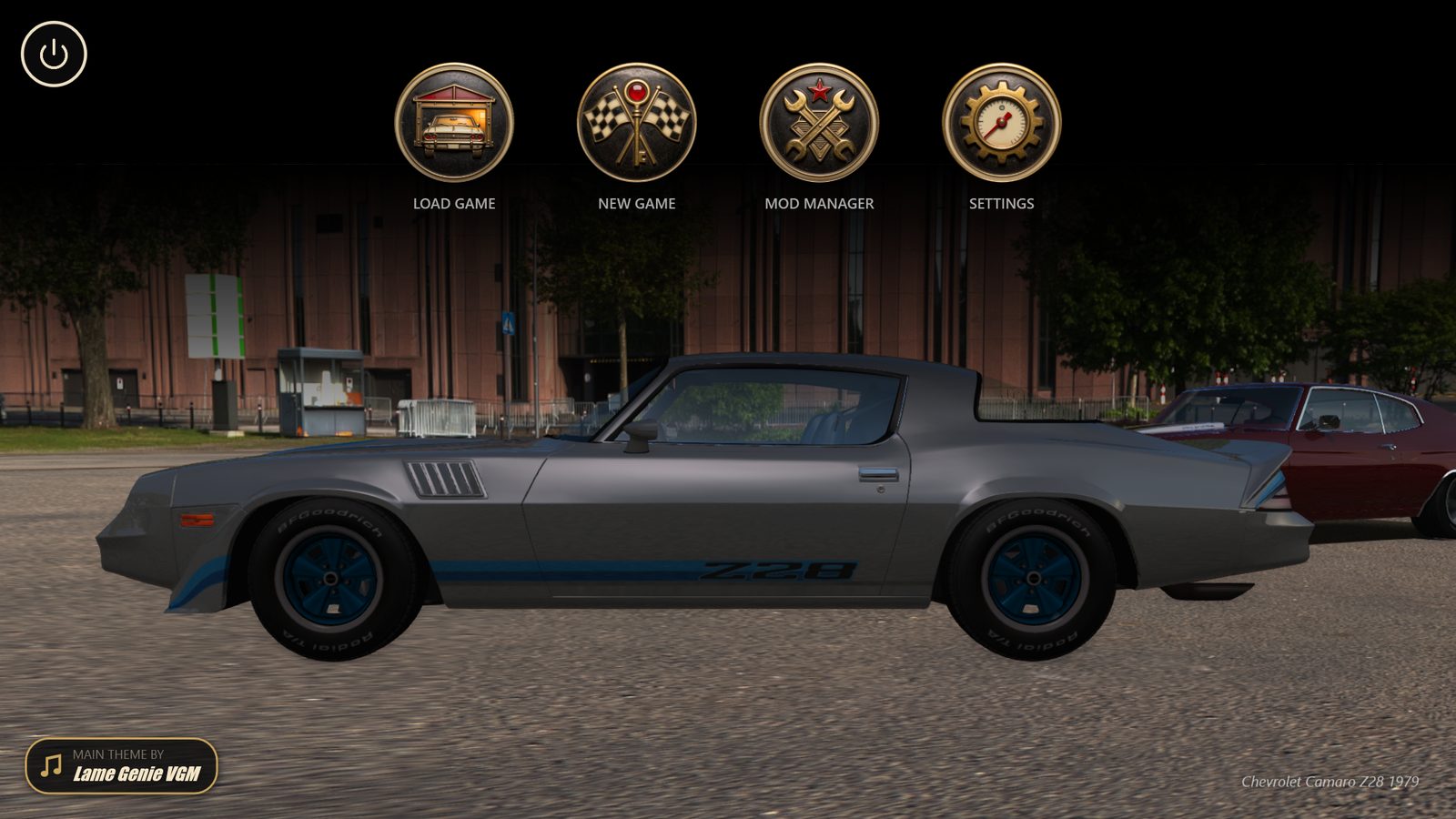
AssettoCorsa.exe). - Done. Start the game from the desktop or the Start menu.
Windows may warn that the installer is unknown. Click More info → Run anyway.
A setting
The installer is the core. The career you play is a setting, a download of its own:
- Download a setting’s zip (
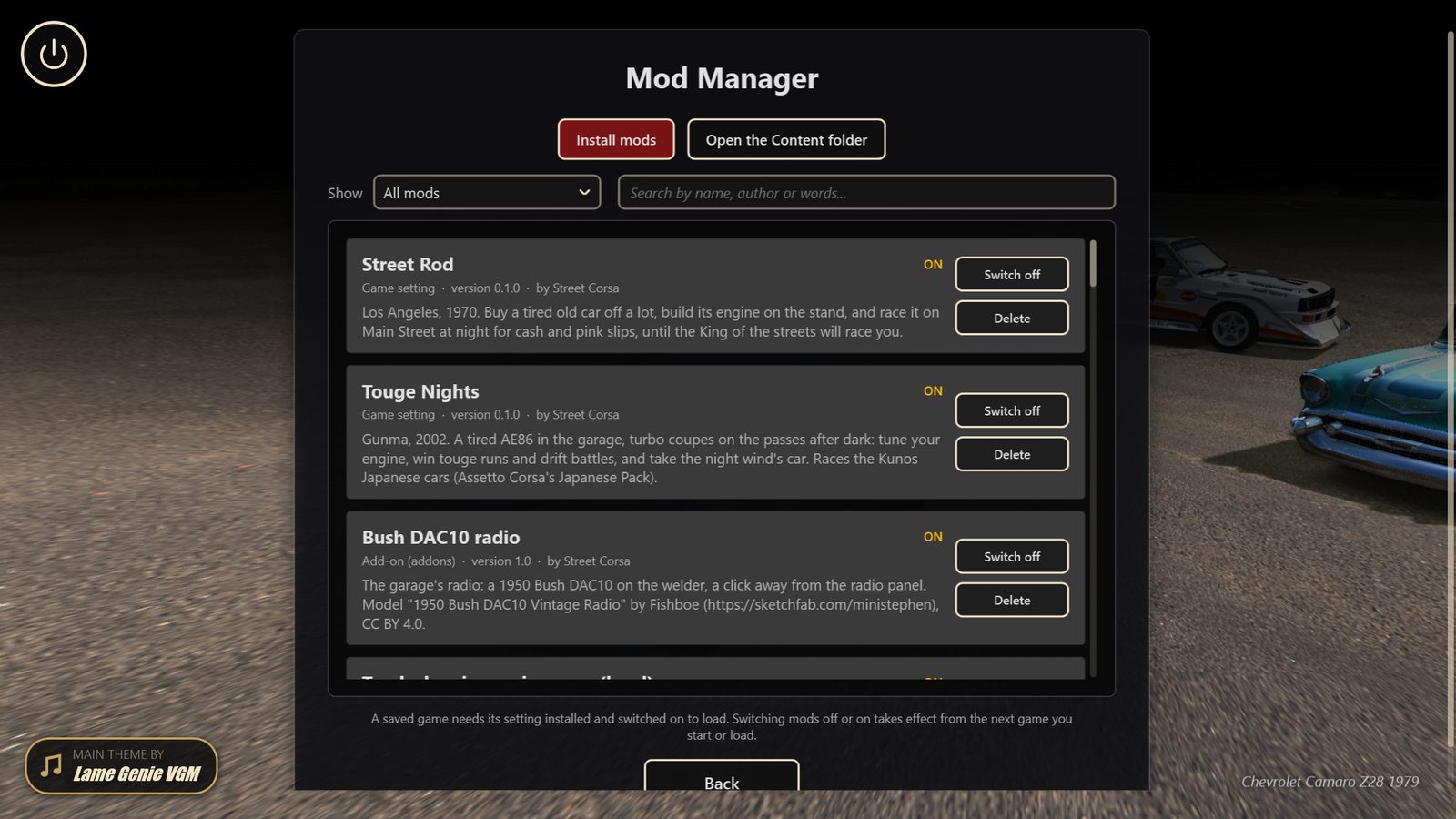
StreetCorsa-<setting>-<version>.zip). - On the main screen, open Mod Manager → Install mods and pick the zip. Several at once work too.
- New Game shows it.
Engine packs and add-ons install the same way. A newer zip of an installed mod replaces it (the game asks first). The Mod Manager also switches mods off and on, and deletes them.
By hand: New Game → Open the Content folder and unzip it there.
Optional
- People who talk back. Install Ollama, run
ollama pull llama3.1:8b, then in the game’s Settings → AI pick Ollama and press Make the game’s model. Works best on a graphics card with 12 GB. - Police. Cops only show up if a police car is installed in Assetto Corsa: a setting says which.
- Mods. Drop a mod’s folder into the
Contentfolder of the game’s install folder (%LocalAppData%\Programs\Street Corsa\Content). Settings (the career you play) and engine packs come as mods.
Uninstall
Remove it from Windows’ Apps list. The uninstaller asks about your saves, settings and mods:
- Keep my saves, settings and mods ticked: they stay for the next time you install the game.
- Unticked: they go with the game.
An uninstall without the wizard (a tool such as winget, or msiexec /x by hand) always keeps them.